


Podcast host

News anchor
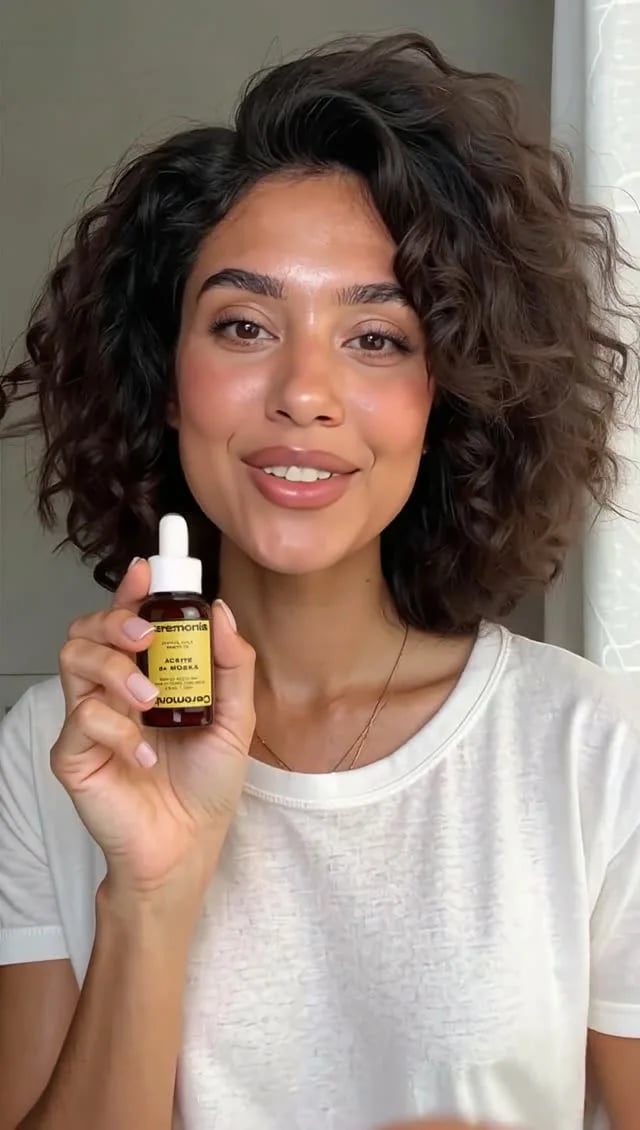
Product ad

Explainer

Company update
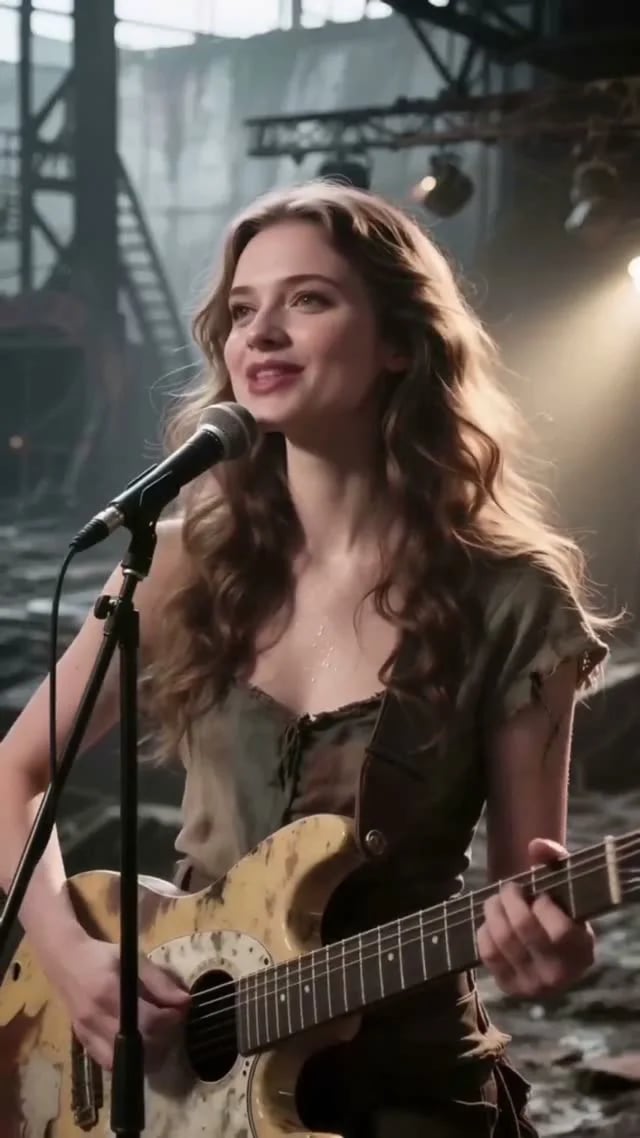
Music video
Which Percify tool should I use?
Talking presenter videos
Podcast hosts, news anchors, explainers and company updates are all one person speaking to camera. In Clone Yourself, upload a photo or take one with your camera, record or upload the audio, and press Generate video. The face lip-syncs to your audio. It costs 2 credits per second in Fast mode, or 4 to 6 per second in High mode. No photo? On Home, pick Avatar, describe the presenter you want, then choose Make it talk and type the line. You can pick one of your own voices or a Percify voice. Start with the Quickstart, or read Clone Yourself and Lip-sync.Videos in your own voice
Voice Studio lets you clone your voice from a recording. It has a My Voices tab for your voices and a Voice Library of ready-made ones. When you make a talking video from the Home chat, the voice picker lists your own voices next to the Percify voices. See Voice cloning.Product ads, music videos and short clips
For a clip that is not a person talking, describe it:- On Home, pick Video. The chat asks about vibe, length, camera, light and shape, and shows the price before it generates.
- Realtime makes video in seconds rather than minutes. Describe several shots and it cuts between them. See Realtime video.
- The Playground has more than 100 video, image and audio models, including music models, if you want a specific one. See AI models in Percify.
Two-person podcasts
In Podcast Studio, you write the conversation, pick two voices, and they talk to each other. See Podcast Studio.Your version of a viral short
Replicate a short takes a TikTok, YouTube Shorts or Reels link, or an uploaded video. Percify breaks it down shot by shot (camera, pacing, text and audio) and regenerates it with AI, side by side with the original. These videos carry a small Percify mark in the top-left corner. See Replicate a short.Videos in other languages
The Playground includes dubbing and video translation models: ElevenLabs Dubbing translates a video or audio file into one of 18 languages, and HeyGen Video Translate offers 178 output language options. See Dubbing.A week of on-brand social posts
Add your brand under Brands by pasting your website. Percify reads your brand (name, logo, colors, fonts, voice and audience) and plans the week’s posts for each platform. Composer turns formats such as UGC hooks into posts in your brand’s words, and Competitors shows what competitors post. Start with Brand DNA, then see the weekly plan and Composer.Test before you spend
Not sure which model suits your idea? Compare in the Playground gives the same prompt to two models, shows both results and the credits each one cost. See Playground and Compare.FAQ
Do my videos have a Percify watermark?
Do my videos have a Percify watermark?
No. What you make carries no Percify watermark, except videos from Replicate a short, which have a small Percify mark in the top-left corner.
Can I use what I make commercially?
Can I use what I make commercially?
What you may do with your videos is covered in Commercial use.
What does it cost?
What does it cost?
Everything is paid for in credits, and the price shows before you generate. Plans differ in how many credits you get each month. See How Percify credits work.
Related
Make your first talking video
Photo plus voice to a talking clip
Made with Percify
Watch the example videos
Percify studios
The creative tools, each with a video
AI models in Percify
Every model in the Playground, with prices